

Get a link or QR
No account needed to look inside. Open the link the organizer shares — on your phone or computer — and you're right in the card.
For your colleagues at the work party, the team on summer vacation, or the crew that just needs a fun reason to do things together. Build a card, share the link, and watch everything unfold in the feed.

Open bingos anyone can join. Pick one and you're in within seconds.
The editor guides you through basics, the card, rules, design, and invitations. Everything shows live, exactly as your participants will see it.
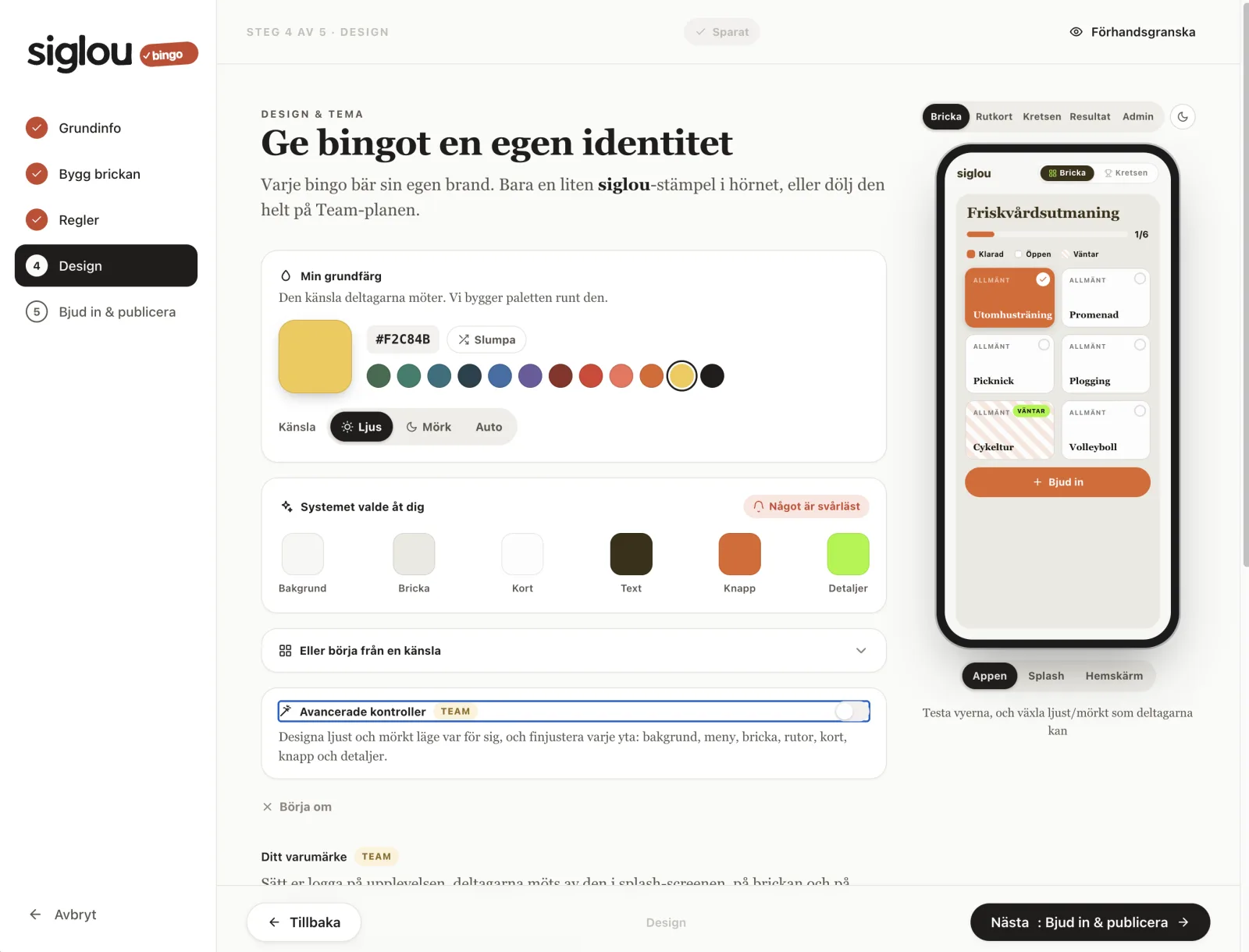
Give the bingo a name, a tagline, and a category. Choose whether it's private, invite-only, or open via link. You see it take shape on the phone preview as you type.
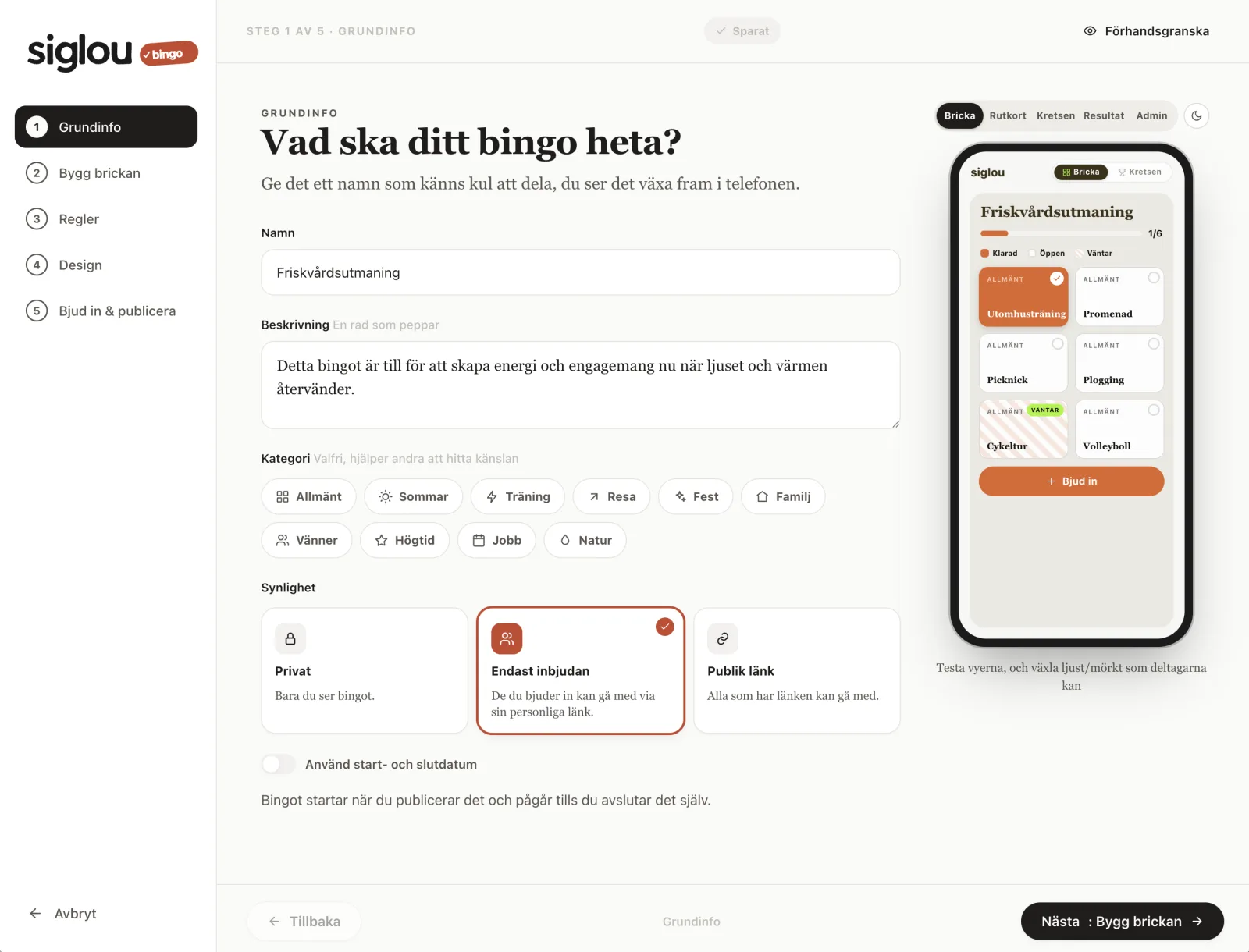
A full row, the entire card, a shared goal, or just for fun. Set points and choose what to include: comments, reactions, and the feed. Want more drive? Run the bingo in timed phases and lock squares until they're earned. Social over competitive — but you choose.
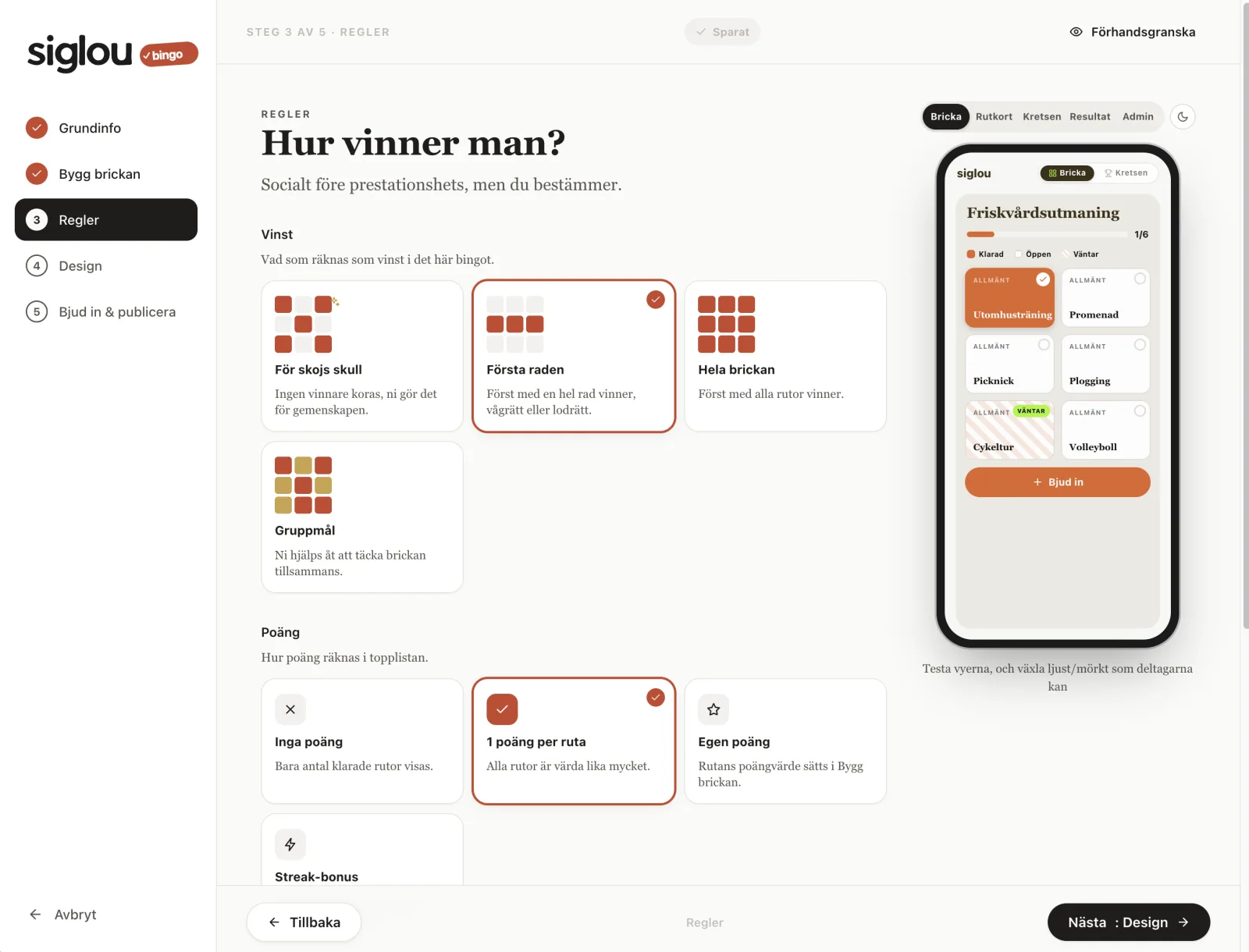
Write your own squares, or hit Generate suggestions when imagination runs dry. Click a square to edit the title, category, and points. The card updates as you type.
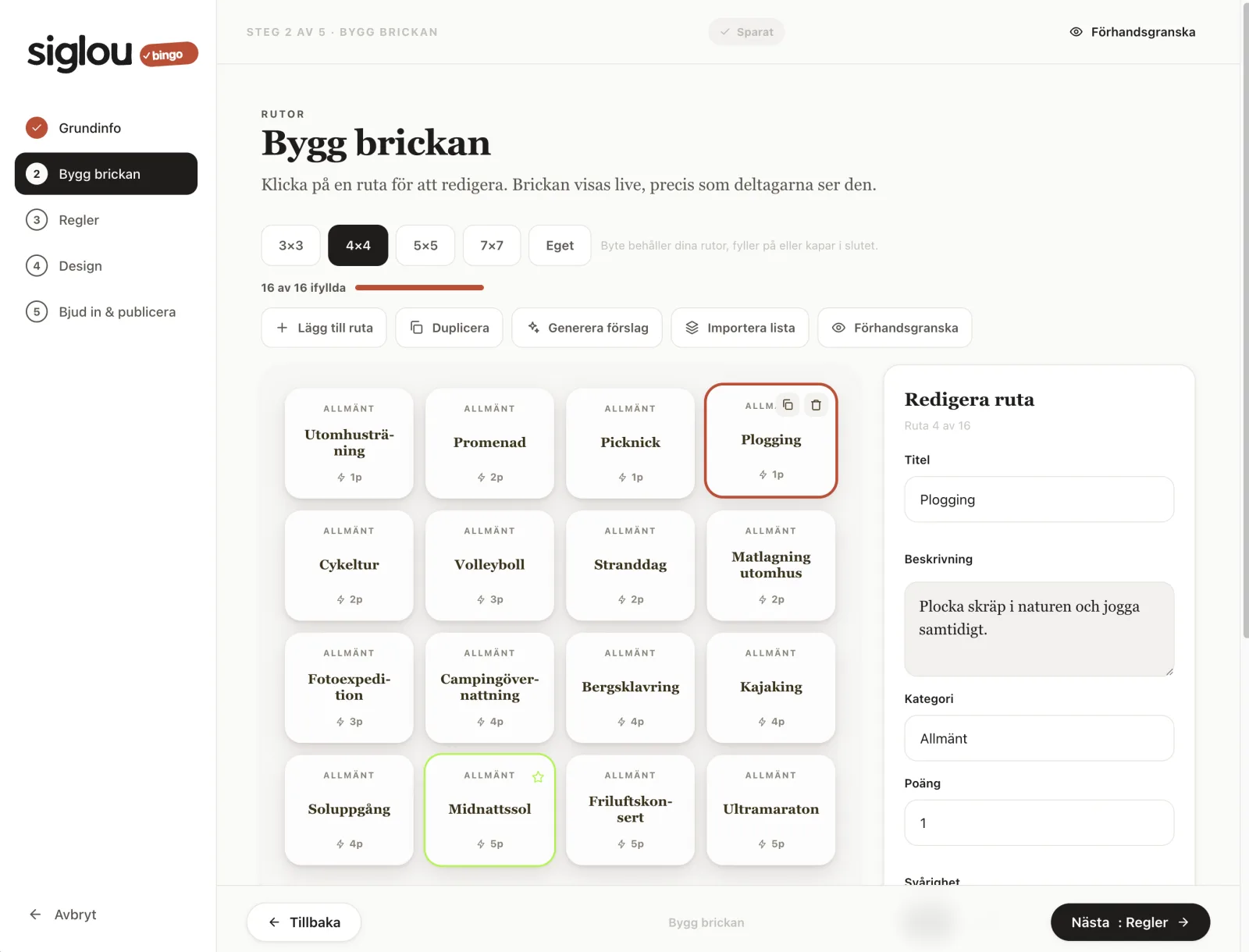
Pick a base color and siglou builds a full palette, light or dark. The card, tiles, and buttons all adjust automatically — and stay readable in every view.
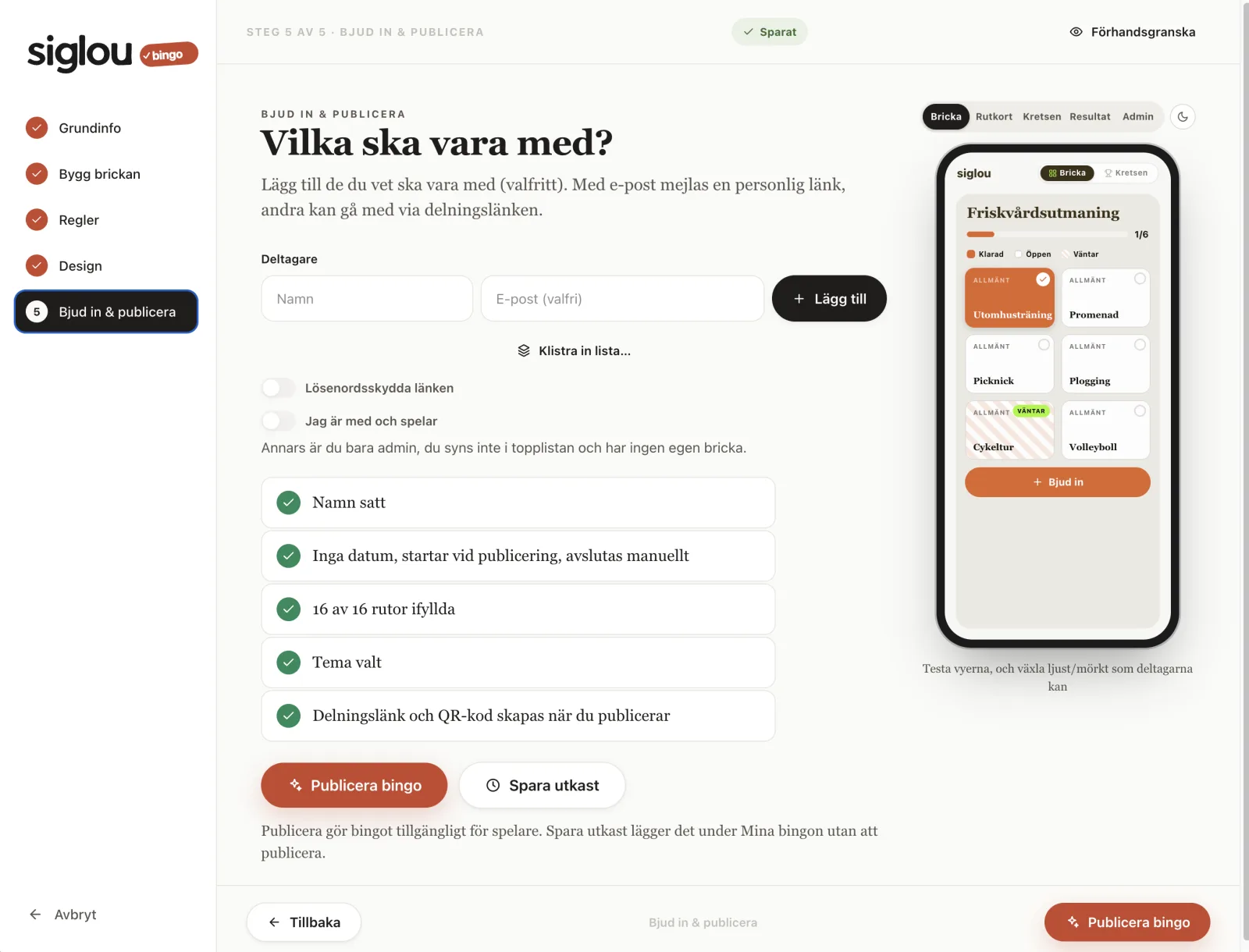
Add a few names, or share a link and QR code. Participants don't need an account to join. When the checklist turns green, you're ready to go.
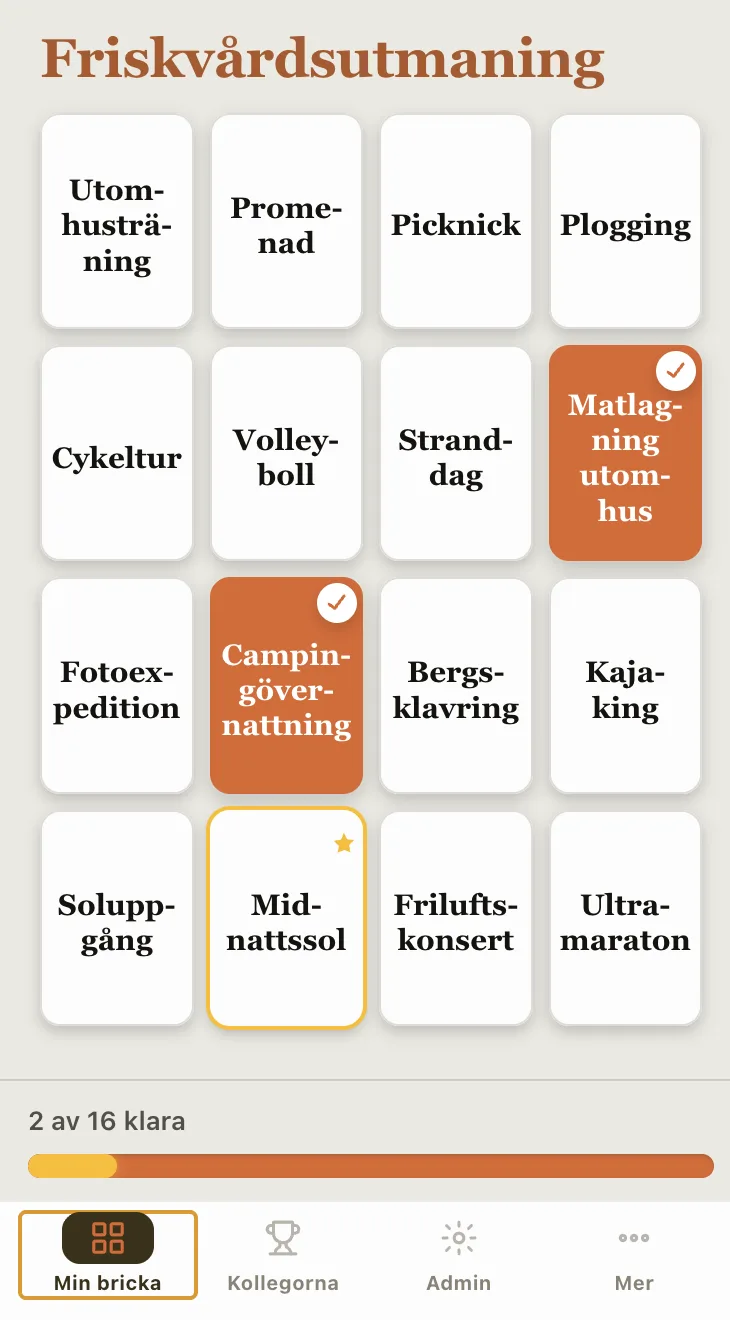
Once the bingo is live, you check off squares, follow the leaderboard, and cheer each other on in the feed. Works just as well on desktop as on mobile.
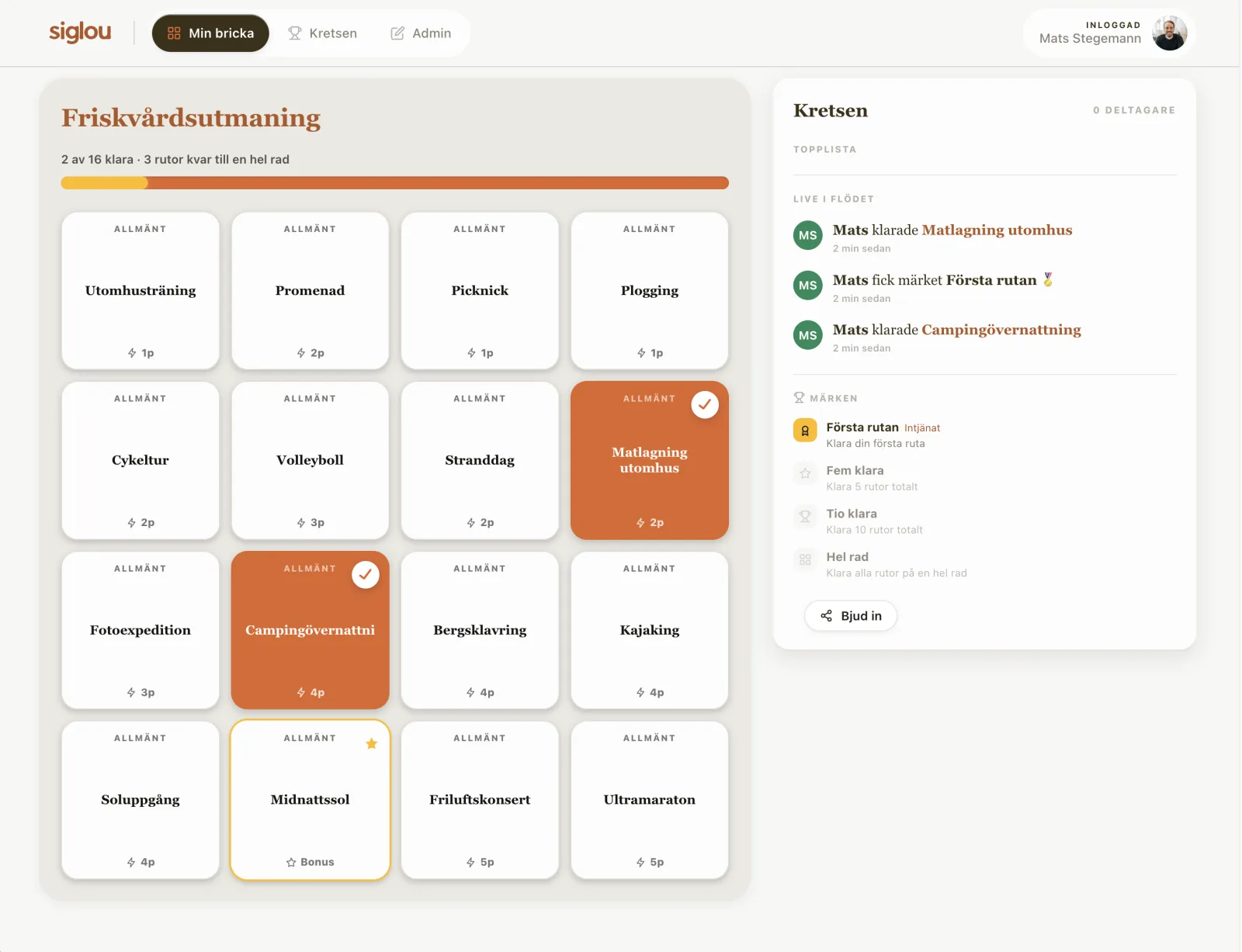
Photos, proof, comments, and cheers — when someone completes a square, everyone sees it. Leaderboard, streaks, and teams competing quietly, or no winners at all — you choose. And badges like First square or Full row give small wins that keep more people going.
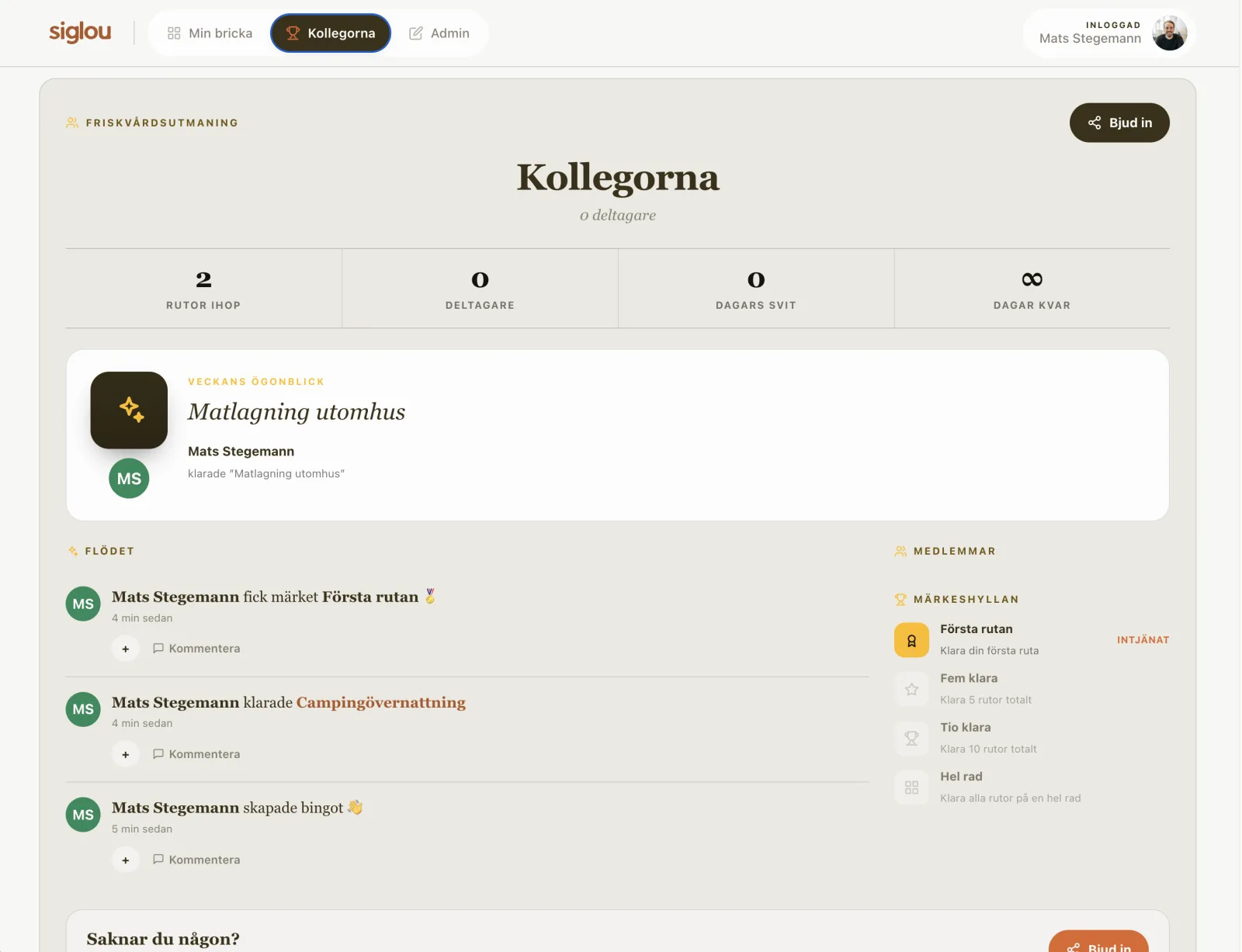
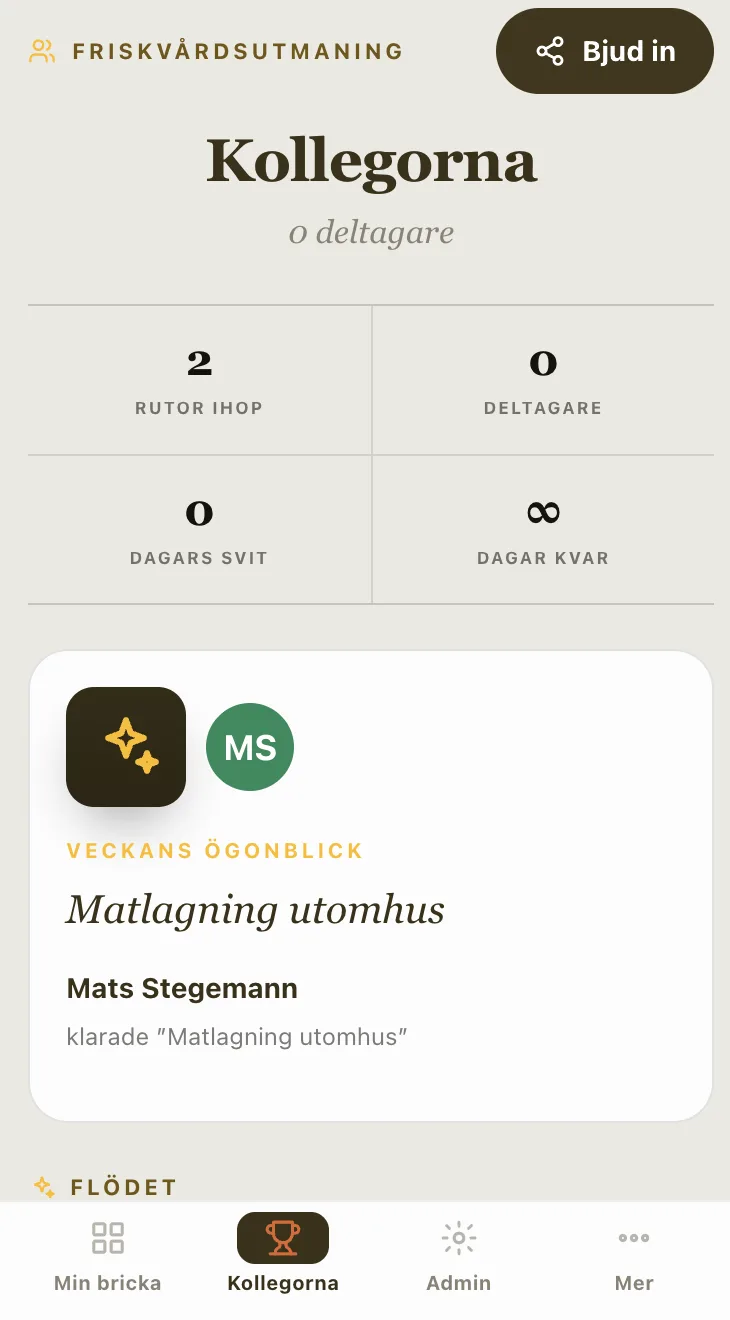
Invitees don't need to do a thing — just click, check off, and cheer.
No account needed to look inside. Open the link the organizer shares — on your phone or computer — and you're right in the card.
Completed a challenge? Tap the square, write a line about how it went, and upload proof if the card requires it.
See what everyone else is doing in the feed, react to their wins, and keep an eye on the leaderboard. It's more fun together.
Same tool, two ways to use it. Make something of everyday life, or make something of your team.
A fitness challenge with friends, the family summer bingo, a bachelorette party, or just something to stay in touch. You set the rules — the app handles the rest.
Kickoff, wellness month, onboarding, or an office challenge. A shared goal that lives on after the meeting — and that people actually want to take part in.